
Business Process Automation
Why workflow automation should come before advanced AI automation
A messy process becomes a messy automation. Map the workflow first, then add AI where it removes real friction.
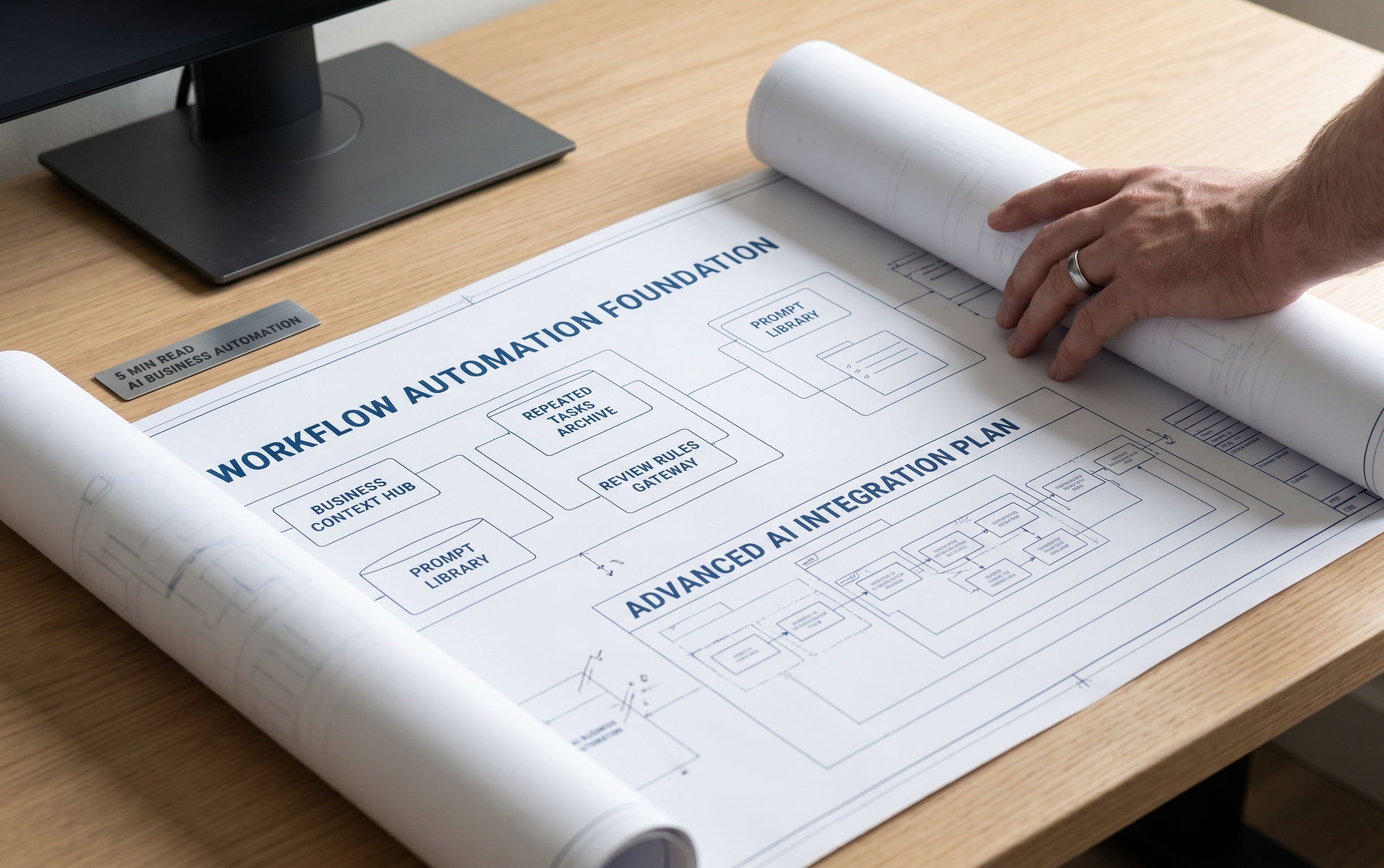
Automation exposes process problems
Automation does not fix a broken process. It makes the process run faster, which means gaps show up faster too. If the trigger is unclear, the automation may fire at the wrong time. If ownership is unclear, the next task may land with the wrong person or with nobody at all. If the source data is weak, the output will still be weak even when the tool is technically working. This is why workflow automation should start with the actual path the work follows today. A service business needs to know what starts the process, what information is required, who owns the next step, and what happens when the normal path does not apply. The common failure is automating the visible task while leaving the decision behind that task undefined.
Map the repeated path
A good workflow map does not need to be complicated. It needs to be honest. Start with the repeated path that already happens in the business: a lead submits a form, a call comes in, an estimate is requested, a client asks for an update, a report needs to be sent, or a task needs approval. Then document the trigger, required information, owner, action, exception, and review point. This gives the automation a stable structure. It also helps the business see where manual work is still useful and where the process is only slow because nobody has defined the next step clearly enough. The map should also show where the data lives, because automation usually breaks when the right information is spread across inboxes, forms, spreadsheets, and CRMs.
- Trigger
- Owner
- Required data
- Next action
- Exception handling
- Review point
Clean up inputs before adding AI
Advanced AI automation depends heavily on input quality. If a lead form collects vague information, AI cannot reliably decide urgency or service fit. If call notes are inconsistent, summaries will be inconsistent. If a CRM has duplicate fields or missing source data, reporting will not improve just because AI is added. Before using AI to classify, draft, summarize, or recommend actions, the business should clean up the inputs that feed the workflow. This may mean better form fields, clearer CRM stages, standardized notes, naming conventions, or a source-of-truth document for service details. This cleanup is not flashy, but it is usually the highest-leverage work because every later automation depends on it.
Add AI where judgment or language slows the team down
AI belongs in the parts of the workflow where language, review, classification, or synthesis slows the team down. It can draft a follow-up, summarize a discovery call, classify a lead by service, prepare a first version of a report, turn notes into a checklist, or compare search terms against campaign intent. But it should not be asked to invent the workflow. The business should already know what outcome is needed. AI can then reduce the manual effort required to prepare that outcome and give the team a faster first pass to review. This keeps AI tied to real operating value instead of turning it into another disconnected tool experiment.
Keep the system maintainable
Workflow automation should be understandable after launch. If only one person knows how it works, the business has not really gained leverage. Document the trigger, tools involved, field names, fallback rules, and what to check when something breaks. Keep a short improvement backlog so new automation ideas are judged against the same question: will this remove real friction, improve lead handling, improve reporting, or protect quality? This is the difference between useful automation and a fragile stack of disconnected tool tricks. Maintenance notes also make future AI work safer because the system has a record of why each step exists. The business should also know what happens if the automation stops: who gets alerted, what manual backup exists, and which customer-facing steps need priority. That fallback thinking keeps automation from becoming a hidden operational risk. It also makes the automation easier to hand off, audit, and improve as the company adds services or changes tools.
Related Service